Every VAT-registered business in the UAE must file a VAT return for each tax period, whether or not it made any sales. The return is Form VAT201, filed through the Federal Tax Authority’s (FTA) EmaraTax portal, and both the return and any tax due must be in by the same deadline: 28 days after the end of your tax period.
The form itself is short. The hard part is getting accurate numbers into it: the right sales in the right emirate, only the input VAT you can actually recover, and reverse charge entries on both sides. This guide walks through VAT201 step by step, first by hand and then with an ERP in the UAE, and covers the penalties, including the late-payment change that took effect on 14 April 2026.
- Where: EmaraTax, using Form VAT201 for the tax period the FTA assigned to you (monthly or quarterly).
- When: return and payment are both due within 28 days of the period end. Check the exact date in your EmaraTax account.
- Late filing: AED 1,000 for a first offence, AED 2,000 for a repeat within 24 months.
- Late payment: since 14 April 2026, 14% per annum, charged monthly on the unpaid tax. This replaced the older 2% plus 4% monthly structure.
- Records: keep the supporting data for at least 5 years after the tax period.
Before you start: what you need
- Your tax period reference and TRN, shown in EmaraTax and on your registration certificate. Do not assume calendar quarters.
- All sales invoices and tax credit notes for the period.
- Purchase and expense invoices, and confirmation that each one you claim input VAT on is a valid tax invoice in your name.
- Customs documents for imports, and a list of supplies subject to the reverse charge.
- Any adjustments from earlier periods, such as bad debt relief or corrections.
- A reconciliation between your VAT figures and your general ledger.
VAT201 section by section
VAT201 reports what you sold (output tax), what you bought (input tax) and the difference. The table follows the form as it is generally described in practitioner guides. Labels can vary slightly, so follow the screen in your EmaraTax account.
| Box | What goes in | Where it comes from in your books |
|---|---|---|
| 1a–1g | Standard-rated (5%) supplies, split by emirate, with VAT and adjustments | Sales invoices less credit notes, grouped by place of supply |
| 2 | Tax refunds provided to tourists | Only if you operate the tourist refund scheme |
| 3 | Supplies subject to the reverse charge (output side) | Purchases from abroad or domestic supplies where you account for the VAT |
| 4 | Zero-rated supplies | Qualifying exports and other zero-rated sales |
| 5 | Exempt supplies | Supplies exempt under VAT law |
| 6–7 | Goods imported into the UAE, and adjustments to imports | Customs declarations |
| 8 | Totals for the output side | Calculated |
| 9 | Standard-rated expenses with recoverable input VAT | Purchase and expense invoices with valid tax invoices |
| 10 | Reverse charge (input side) | Same transactions as Box 3, where the VAT is recoverable |
| 11–13 | Total inputs, total tax due, total recoverable tax | Calculated |
| 14 | Net VAT payable or refundable | Total tax due less total recoverable tax |
How to file your VAT return step by step
- Confirm the period. Open the return for the exact period shown in EmaraTax and check the reference before you enter anything. Filing against the wrong period creates a correction later.
- Reconcile sales. Total your sales invoices and credit notes for the period and agree them to your ledger.
- Classify each supply. Separate standard-rated, zero-rated, exempt and out-of-scope sales. Zero-rated and exempt look similar but are different boxes and have different input VAT consequences.
- Split by emirate. Report standard-rated sales and their VAT by the emirate where the supply was made (Boxes 1a–1g).
- Handle reverse charge on both sides. Where it applies, report the supply in Box 3 and the recoverable VAT in Box 10. Entering only one side is a common error.
- Add imports. Enter goods imported into the UAE, with any adjustments, from your customs documents.
- Calculate recoverable input VAT. Include only expenses supported by valid tax invoices that you are entitled to recover (Box 9).
- Review the totals. EmaraTax calculates the totals and Box 14. Compare them with your own working before you submit.
- Submit and pay. File the return in EmaraTax, then settle any amount due through the payment options EmaraTax offers. Payment must reach the FTA by the same deadline.
- Keep your working papers. MoF’s Guidelines refer to a retention period of 5 years following the tax period for taxable persons, and the FTA can extend it during disputes or audits.
Filing with Excel or basic accounting software
You can complete the steps above from spreadsheets, and many small businesses do. The risks are practical rather than legal:
- Sales are exported from one place and purchases from another, so reconciliation takes days.
- The emirate split depends on someone tagging each invoice correctly.
- Credit notes and adjustments are easy to miss.
- Tax codes drift: the same item gets treated as standard-rated in one month and zero-rated in the next.
- There is no single audit trail from a box number back to the source invoices.
Filing with an ERP
An ERP with VAT set up properly does the classification when the transaction is entered, not when the return is due. A typical flow looks like this:
- Each item, customer and supplier carries a tax code, so the VAT treatment is set once.
- Invoices, credit notes and purchase bills post VAT automatically, including the emirate of supply.
- At period end, a VAT report groups the figures by VAT201 box.
- You compare that report with the EmaraTax form, correct any exceptions in the source transactions and file.
- Drill-down from each box to the underlying invoices supports your records if the FTA asks questions.
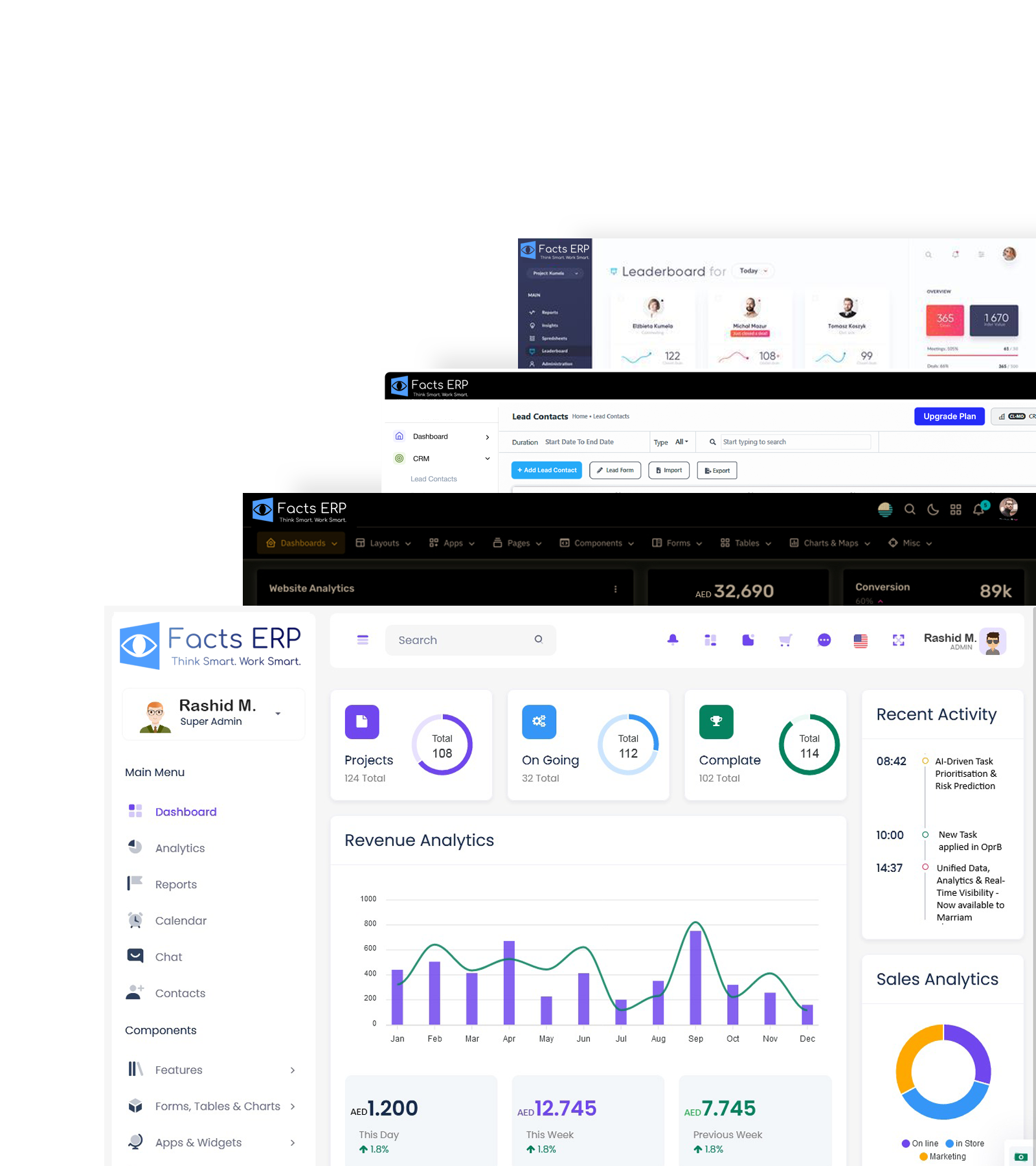
FACTS ERP’s VAT accounting software page describes VAT-aligned invoicing, automated VAT calculation and VAT reporting. The key discipline is the same with any system: keep tax codes clean, and review the report rather than trusting it blindly.
Excel versus ERP at a glance
| Task | Spreadsheets / basic tools | ERP with VAT set up |
|---|---|---|
| VAT treatment | Decided at return time, often by hand | Set on the item or party and applied at entry |
| Emirate split | Manual tagging | Captured on the transaction |
| Credit notes | Easy to miss | Linked to the original invoice |
| Reverse charge | Two manual entries | One transaction, both boxes |
| Audit trail | Rebuilt from files | Drill-down from report to document |
| Period-end effort | Days of reconciliation | Review and exceptions |
Common VAT201 mistakes
- Mixing up zero-rated and exempt. Zero-rated supplies are taxable at 0% and allow input VAT recovery. Exempt supplies do not.
- Reverse charge on one side only. If you report the output in Box 3, check the recoverable input in Box 10.
- Claiming input VAT without a valid tax invoice. Check supplier name, TRN and the invoice particulars before you claim.
- Treating filing and payment as separate deadlines. Both are due on the same date. A filed return with unpaid tax still incurs the late-payment penalty.
- Forgetting credit notes. Output tax must reflect them, or you will overpay.
- Not filing when there is no activity. A registered business must still submit a nil return.
VAT201 penalties since 14 April 2026
Cabinet Decision No. 129 of 2025 changed the administrative penalty tables from 14 April 2026. According to BDO’s comparison, the changes most relevant to VAT filers are:
| Violation | Until 13 April 2026 | From 14 April 2026 |
|---|---|---|
| Failing to pay tax on time | 2% of the unpaid tax, then 4% monthly | 14% per annum, charged for each month or part of a month |
| Submitting an incorrect return | AED 1,000, then AED 2,000 on repetition | AED 500, with no penalty if corrected within the filing deadline or through a voluntary disclosure that creates no tax due |
| Voluntary disclosure of an error | 5% to 40% of the difference, by year | 1% per month on the tax difference |
| Failing to disclose before an audit notice | 50% plus 4% monthly | 15% fixed plus 1% monthly on the tax difference |
Late filing carries a separate fixed penalty. Published summaries put it at AED 1,000 for a first offence and AED 2,000 for a repeat within 24 months, and say Decision 129 did not change it. Confirm the current figures with the FTA before you rely on them.
Illustrative arithmetic (hypothetical): AED 50,000 of VAT paid three months late would attract about AED 1,750 at 14% a year (50,000 × 14% ÷ 12 × 3), plus any late-filing penalty if the return was also late.
How e-invoicing will affect VAT filing
MoF’s Guidelines say e-invoicing has the potential to streamline VAT refunds and pre-populate VAT returns, because the FTA will receive tax data from each e-invoice. That does not remove your responsibility for the return. It does mean mismatches between your invoices and your return will be easier for the FTA to spot, so the quality of your invoice data matters even more. See our guides to the e-invoicing mandate and to e-invoice vs tax invoice.
Frequently asked questions
Where do I file the VAT201 return?
Through the FTA’s EmaraTax portal. Log in, open the VAT return for your assigned tax period, complete the form, submit it and pay any tax due.
What is the VAT return deadline in the UAE?
28 days after the end of your tax period, for both the return and the payment. Because periods differ between businesses, check the exact date in EmaraTax.
Do I have to file if I had no sales?
Yes. A VAT-registered business must file a return for every period, including a nil return.
How do I correct a mistake in a filed return?
By submitting a voluntary disclosure. Under the rules effective 14 April 2026, a voluntary disclosure attracts a monthly penalty of 1% on the tax difference, so correcting errors promptly is cheaper.
What is the penalty for paying VAT late?
From 14 April 2026, 14% per annum, charged for each month or part of a month on the unsettled tax.
Do I need an ERP to file VAT correctly?
No, but the more transactions you have, the more an ERP reduces manual classification and reconciliation. What matters is clean tax codes and a reliable audit trail, whichever tool you use.
Will e-invoicing change how I file?
The return stays your responsibility, but MoF expects the data reported through e-invoicing to help pre-populate returns over time. Accurate invoice data will matter even more.
Conclusion
A VAT return is only as good as the transactions behind it. Whether you use spreadsheets or an ERP, the fundamentals are the same: classify each supply correctly, split sales by emirate, handle reverse charge on both sides, claim input VAT only with valid tax invoices, and file and pay by the same 28-day deadline. With e-invoicing on the way, getting those habits right now will make the next two years easier.
Want to see how VAT reporting works in your system?
Talk to the FACTS ERP team or explore the FACTS ERP VAT accounting software. Rules and penalties can change, so confirm current figures with the FTA before acting.
Sources
- BDO UAE: Revision in administrative penalties for violation of tax laws (Cabinet Decision No. 129 of 2025)
- UAE Ministry of Finance: Electronic Invoicing Guidelines, V1.1 (retention periods; VAT return benefits)
- UAE Federal Tax Authority (VAT services and guides)
- BCL Globiz: How do I handle a VAT return in the UAE? (practitioner guide)
- Fatura Go: VAT 201 boxes explained (practitioner guide)
This article is general information, not legal or tax advice. Confirm filing rules and penalties with the FTA or a qualified tax adviser.
Explore FACTS ERP
e-commerce solutions UAE / Equipment Rental Service / Fruit & vegetable ERP / Healthcare / Hospitality